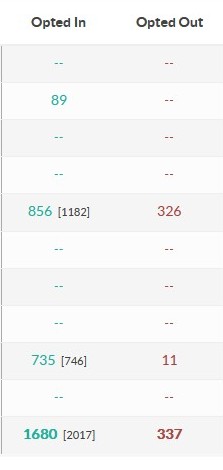
The Keyword Summary report provides a comparison of keyword opt-in and opt-out activity, and includes data related to the number of opt-ins, opt-outs, partial opt-ins, new contacts, and sent and received messages. This report is split into two sections, where the left side displays All Time Activity and the right side displays Activity for a selected Date Range.
To access the Keyword Summary report, click Reports from the main menu, then click Keyword Summary.
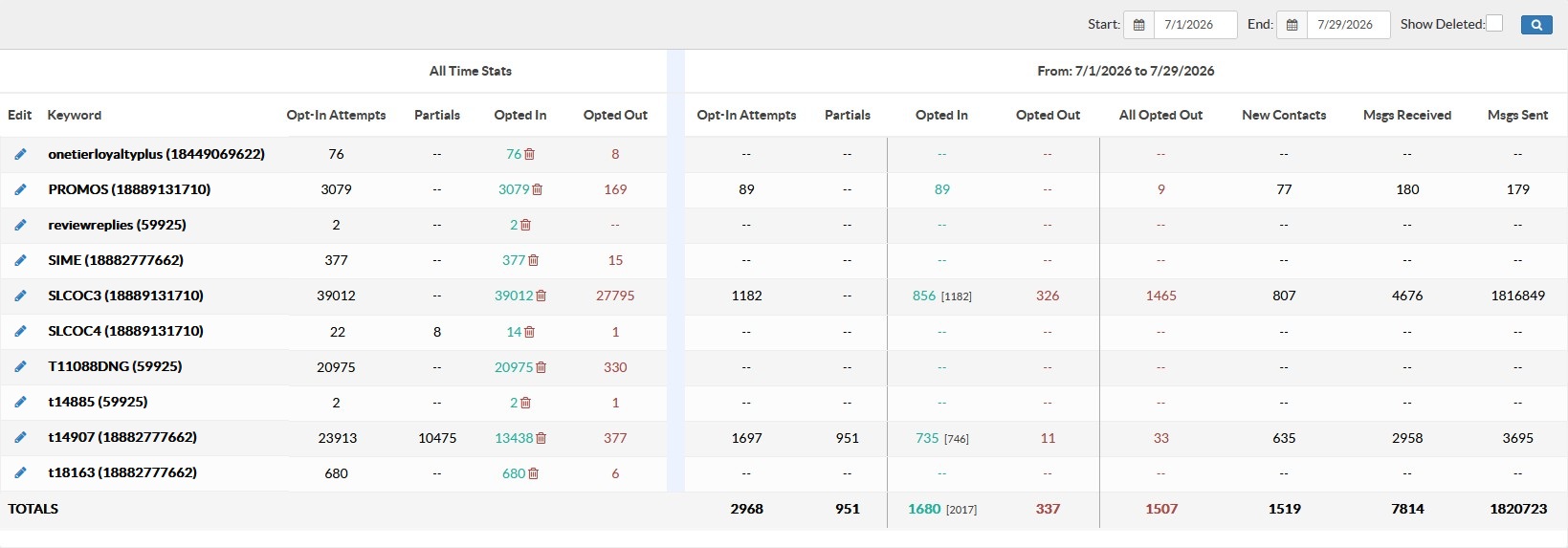
The number of Opted-In Contacts are color coded based on their opt-in status, where Green = Opted-in and Red = Opted-out.

Clicking the DELETE icon will remove all contacts from the associated mobile campaign.

Note: Deleting the contacts from the campaign will not remove the contacts from the database.
The Date Range Data side of the report is specific to the day the report is viewed. The numbers in green and red reflect the contact statuses as of the day the report is being viewed. The grey bracketed numbers [ # ] will reflect the number of contacts that opted-in during the date range selected.